Creating a bookshelf of web components
By home dev labs pulsarforge.io
Hi, I am a Software Engineer - Full Stack, +6 years on the road, enjoying my developer craft since years ago, to present and looking for the next challenges.
In my free time reading books, hiking in the mountains, enjoying tech as Reactjs, Rust, Observablehq, and swimming through GitHub.
Building an owned library of web components
First let's explore the web components of my:
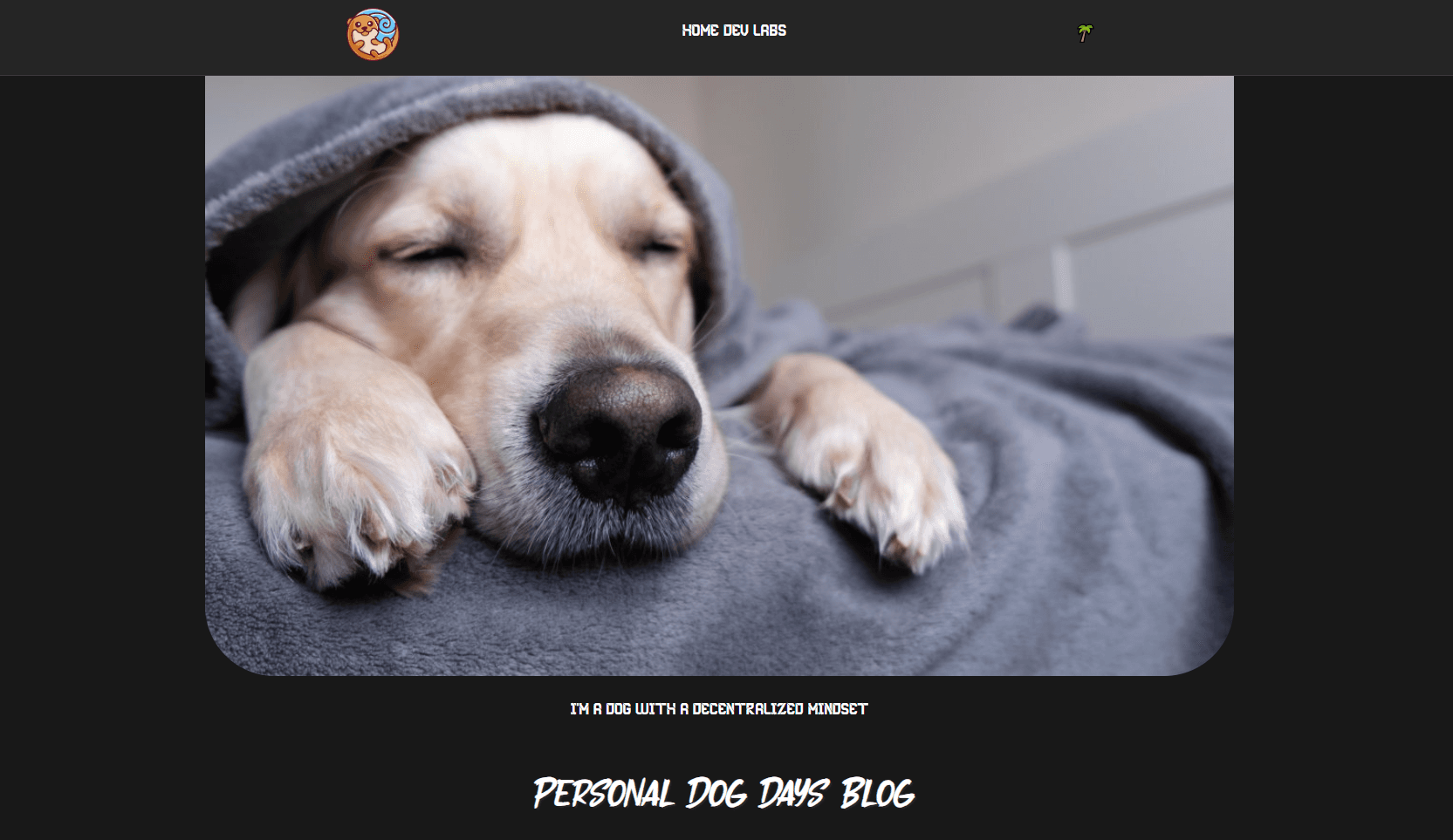
Home Developer Labs where I scale platforms and enhance dev skills, and from time to time freelancing previous requests.
Also, I will use libraries as LIT To build a web component bookshelf, as well as react npm modules.
Why go through this travel? It is a way to sharpen my skills.
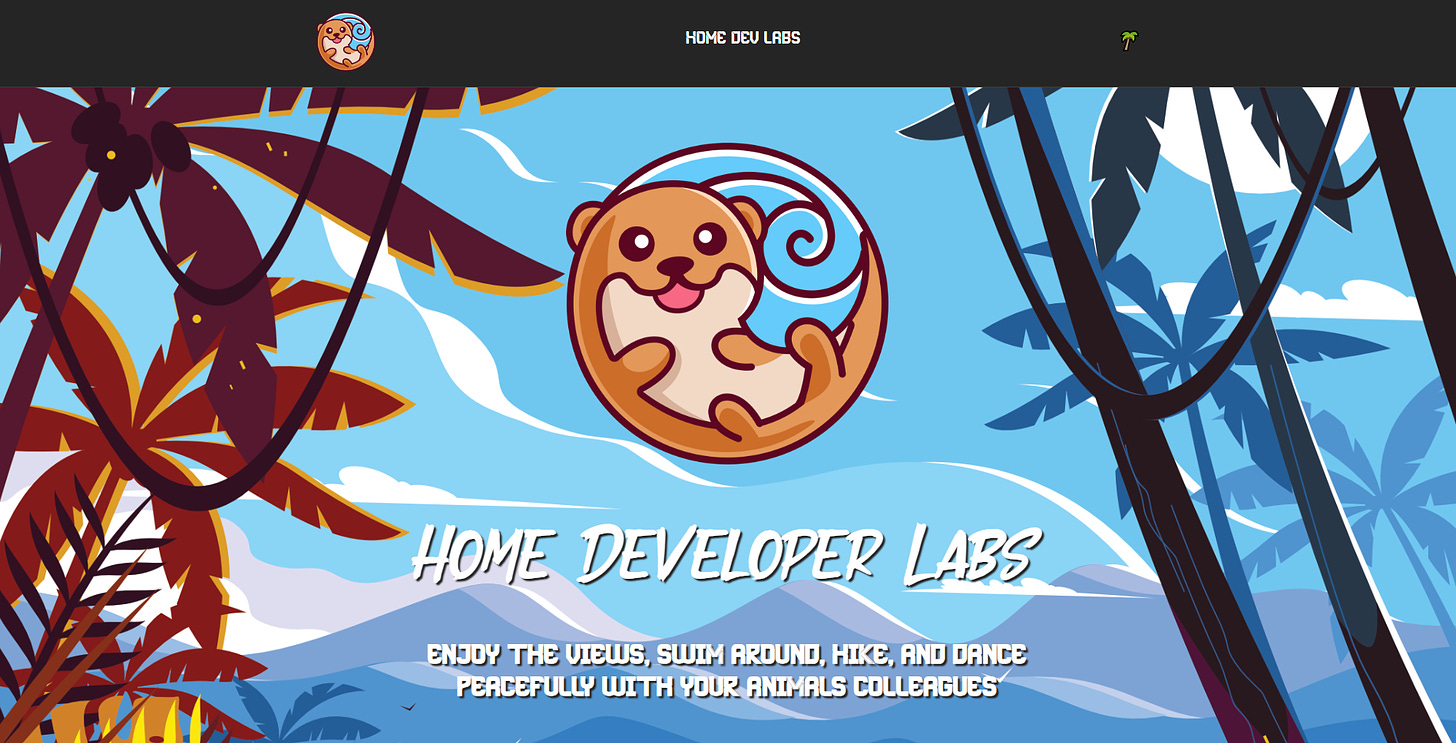
Today will be an exploration of a web component to play audio on clicking an image. At the home labs, it will be the otter logo and will play swimming water sounds.
import React, { useState, useEffect, useRef } from "react";
import Image from "next/image";

function useAudio(url) {
  const [playing, setPlaying] = useState(false);
  const audio = useRef(
    typeof Audio !== "undefined" ? new Audio(url) : null
  );

  useEffect(() => {
    playing ? audio.current.play() : audio.current.pause();
  }, [playing, audio]);

  useEffect(() => {
    audio.current.addEventListener("ended", () => setPlaying(false));
    return () => {
      audio.current.removeEventListener("ended", () => setPlaying(false));
    };
  }, [audio]);
  const toggle = () => setPlaying(!playing);

  return [playing, toggle];
};

function Player ({ url, urlImage, funText }){
  const [playing, toggle] = useAudio(url);

  return (
    <>
      <button onClick={toggle}>
        {playing ?
          (  <>

            <Image
              src={urlImage}
              alt="Pulsarforge logo"
              width={420}
              height={420}
            />
            <h5>{funText}</h5>
           </>
          )
          :
          (
            <>
            <Image
              src={urlImage}
              alt="Pulsarforge logo"
              width={420}
              height={420}
            />

            </>
          )
        }
      </button>
      <span>
        {playing ?
          (
            <></>
          )
          :
          (
            <></>
          )
      }
      </span>
    </>
  );
};

export default Player;
To call the Player component
<div className="intro-logo">
    <Player
      url="/sounds/swimming.mp3"
      urlImage="/images/logo.png"
      funText="Muscles Flexing"
    />
</div>
At the home labs click the otter logo at the banner section and be surprised by the magic of sound systems.
For the next chapter, I will transform this ReactJS component into a npm module or a web component.
Have a great week, thanks for reading.